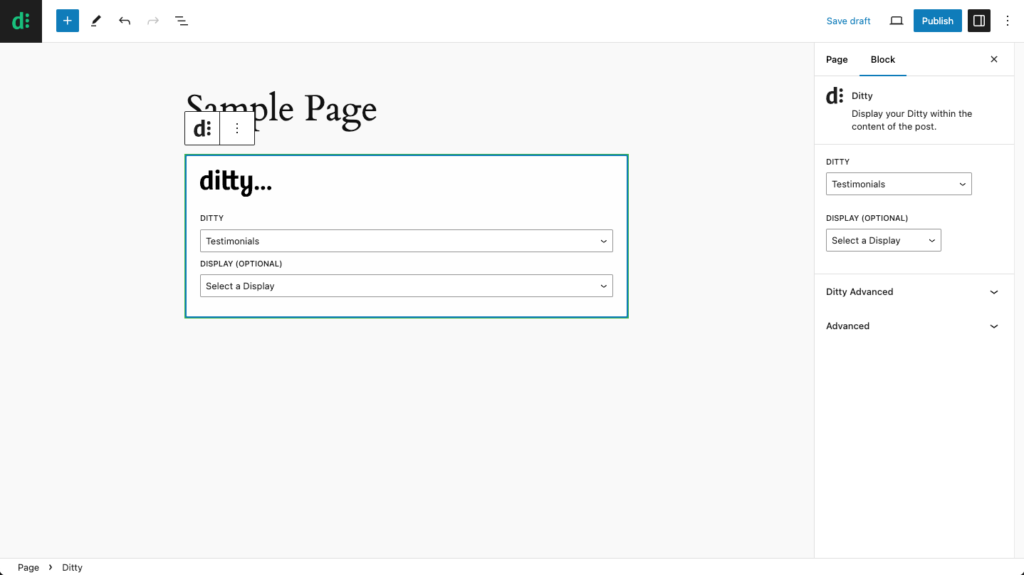
- Add a new Ditty block to your page or post.
- Select the Ditty you want to display in the Ditty dropdown.
- Optionally, select a specific Display template in the Display dropdown.
Advanced block settings
There are a couple advanced settings you can also use to modify the output of your Ditty.
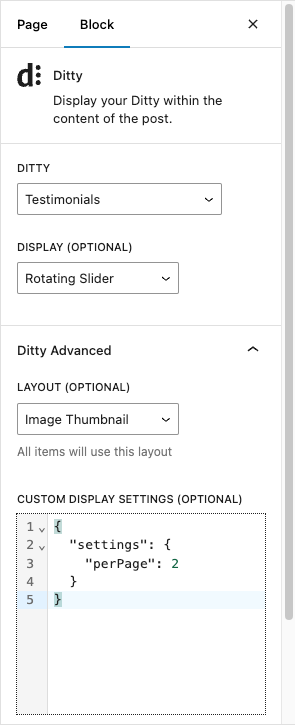
- While your Ditty block is selected, click the Ditty Advanced heading in the Block settings sidebar.
- Use the Layout dropdown to select a Layout template that will be used for all items of the Ditty.
- You can also override settings for the Ditty’s display by adding json formatted values in the Custom Display Settings.